
Table of Contents
ToggleCategory
- Blog
- Branding
- Digital Marketing
- Graphic Design
- Nictiontech
- Real Estate
- Social Media Marketing
- Video Marketing
- Video Production
- Website Design
Recent Posts
- 5 Hidden Metrics That Prove Your Ads Are Suffering from Creative Fatigue
- How Al Is Changing Digital Marketing Services in India
- Performance Marketing for Real Estate Property: Leads, Ads & ROI
- How to Get Your Brand Mentioned in ChatGPT and AI Search Results
- How Real Estate Brands Can Use Reels & Shorts to Sell Properties
Introduction
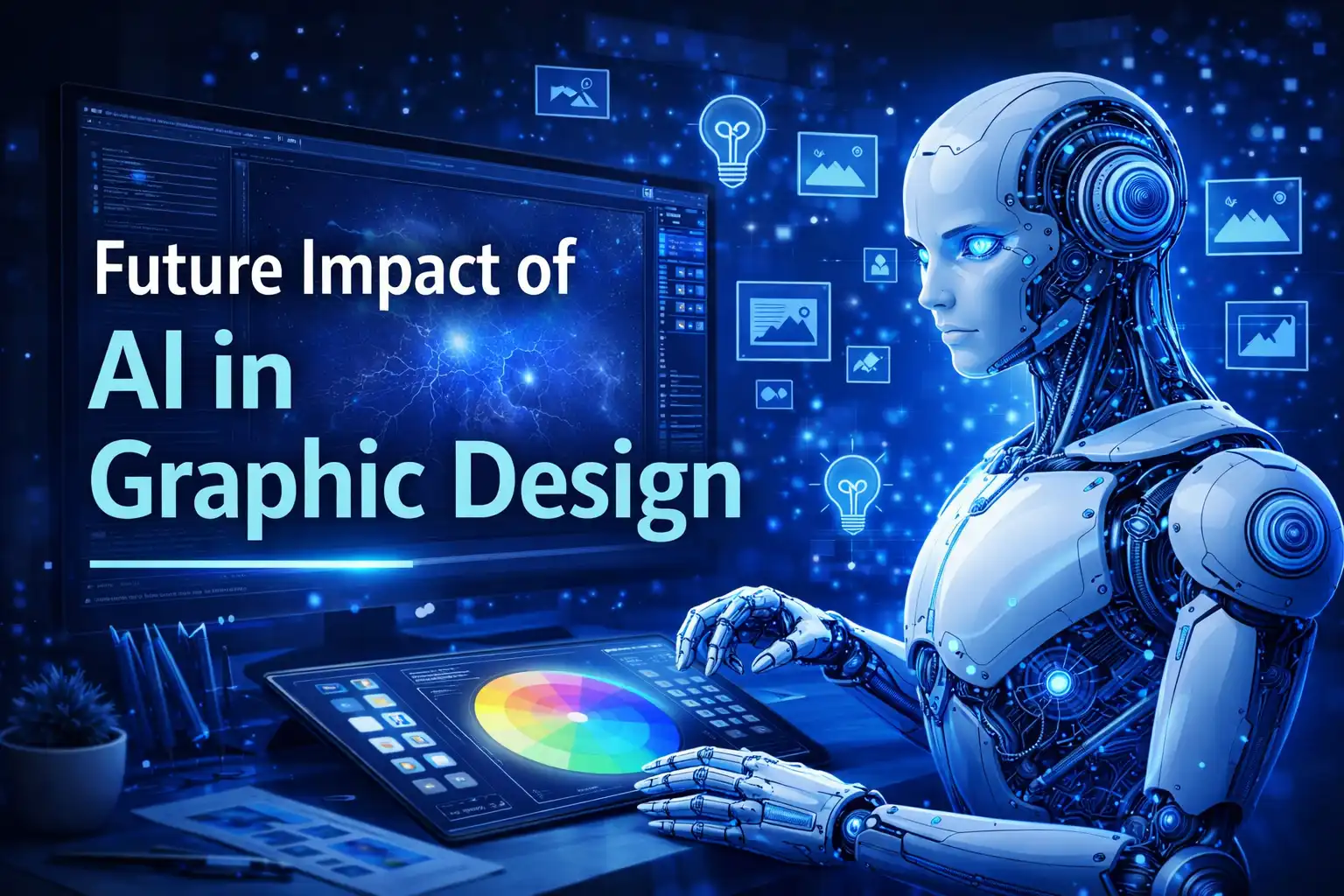
The design industry is evolving rapidly with the rise of artificial intelligence for graphic design. What once required hours of manual effort can now be completed in minutes using advanced AI tools for graphic design. From generating visuals to automating repetitive tasks, AI is reshaping how designers approach creativity and productivity.
In today’s content-driven world, especially with the growing demand for AI social media design, businesses need faster and more scalable design solutions. AI is not replacing creativity—it is enhancing it by helping designers work smarter, experiment more, and deliver results quickly.
As technology continues to advance, the role of AI in graphic design is becoming more strategic than ever. This blog explores how AI is transforming the design industry, its impact on designers, and what the future holds.
What is AI in Graphic Design?
Definition of AI in Graphic Design
AI in graphic design refers to the use of artificial intelligence technologies to assist, automate, and enhance the design process. These tools use machine learning, data patterns, and user inputs to generate layouts, visuals, and creative elements.
Today, powerful AI tools for graphic design are changing the way designers work. Tools like Canva AI simplify design creation with ready-made templates and smart suggestions, making it ideal for beginners and businesses. Adobe Firefly allows designers to generate high-quality visuals, text effects, and design variations using AI within professional workflows.
Platforms like Midjourney and DALL·E takes creativity to another level by generating unique images from simple text prompts. These tools help designers explore new concepts quickly and push creative boundaries.
Instead of replacing designers, AI acts as a creative partner—helping generate ideas, speed up workflows, and improve efficiency.
How AI Works in Design & Key Applications
AI works by analyzing large datasets of design patterns, user behavior, and visual trends. It uses this data to generate design suggestions and automate tasks.
Key applications of artificial intelligence for graphic design include creating social media posts, generating branding elements, editing images, suggesting layouts, and producing multiple design variations instantly.
This makes AI especially useful for businesses that require high-volume content, such as marketing agencies and brands focusing on AI social media design.
Why AI is Transforming the Graphic Design Industry
AI is not just a trend—it is fundamentally changing how the design industry operates.
Faster Design Process
AI drastically reduces the time needed to create designs. Tasks like resizing, layout adjustments, and background removal can now be completed in seconds.
Cost Efficiency
Businesses can reduce design costs by automating repetitive work and minimizing manual effort. This makes professional design more accessible to startups and small businesses.
Accessibility for Beginners
AI tools have made design accessible to non-designers. Anyone can now create visually appealing graphics using platforms like Canva AI without prior experience.
Automation of Repetitive Tasks
AI handles repetitive tasks such as formatting, cropping, and resizing, allowing designers to focus on creative and strategic aspects.
Data-Driven Creativity
AI tools analyze user engagement and behavior to suggest designs that perform better. This helps brands create content that is not only visually appealing but also effective.
What is the Effect of AI on Graphic Designer Careers?
AI is not eliminating design jobs—it is redefining them.
Designers are shifting from execution-focused roles to more strategic roles. Instead of spending time on repetitive tasks, they now focus on concept development, storytelling, and brand building.
Designers who adopt AI in graphic design gain a competitive edge. They can produce more work, experiment with ideas faster, and deliver better results.
However, the industry is also becoming more competitive. Designers must upgrade their skills and learn how to use AI tools effectively to stay relevant.
The future belongs to designers who combine creativity with technology.
What Makes an AI Tool Great for Designers?
Not every AI tool is equally effective. The best tools offer a balance of usability, flexibility, and quality.
Ease of Use
A good AI tool should be simple and intuitive. Tools like Canva AI are widely used because they allow users to create designs easily without technical expertise.
Customization and Control
Professional designers need flexibility. Adobe Firefly provides advanced customization options, allowing designers to refine AI-generated outputs.
Output Quality
High-quality visuals are essential. Platforms like Midjourney are known for generating visually rich and creative images suitable for professional use.
Speed and Performance
Efficiency is key. Tools like DALL·E generates images quickly, helping designers meet tight deadlines.
Integration Capabilities
The best tools integrate with existing workflows. Adobe’s AI tools work seamlessly with Photoshop and Illustrator, making them highly effective for professionals.
Choosing the right AI tools for graphic design can significantly improve both productivity and creative output.
Advantages of AI in Graphic Design
AI offers several benefits that are transforming the design process.
Increased Efficiency and Automation
AI speeds up workflows by automating repetitive tasks, allowing designers to focus on creative work.
Enhanced Creativity and Brainstorming
AI can generate multiple design variations, helping designers explore new ideas and concepts.
Idea Generation
AI tools help overcome creative blocks by suggesting layouts, color combinations, and styles.
Consistency in Branding
AI ensures consistent use of colors, fonts, and design elements across all creatives, which is essential for branding.
Scalability
Businesses can produce large volumes of content quickly using AI, especially for AI social media design, where regular posting is required.
The Future of AI in Graphic Design
Automation of Repetitive Design Tasks
More advanced tools will continue to automate routine tasks, improving efficiency and saving time.
Hyper-Personalized Visual Content
AI will allow brands to create personalized designs based on user preferences and behavior.
AI-Powered Creativity and Ideation
AI will become a creative partner, helping designers generate concepts and refine ideas.
Collaboration Between AI and Human Designers
The future is not about replacement—it’s about collaboration. AI will enhance human creativity, not replace it.
Real-Time Design Optimization
AI will analyze performance data and suggest improvements in real time, helping brands create more effective designs.
Conclusion
The future of AI in graphic design is not about replacing designers—it’s about transforming how they work. As AI tools for graphic design continue to evolve, they are making the design process faster, smarter, and more efficient. From generating ideas to automating repetitive tasks, AI is becoming a powerful assistant rather than a competitor.
However, creativity, emotional understanding, and brand storytelling are still deeply human skills. Designers who learn to combine their creative thinking with artificial intelligence for graphic design will have a clear advantage in the coming years.
As we move forward, the most successful designers will not be the ones who resist AI, but the ones who adapt and use it strategically. The future lies in collaboration—where human creativity and AI capabilities work together to create impactful and meaningful visual experiences.
FAQs
AI in graphic design refers to using artificial intelligence tools to automate and enhance design processes.
Popular tools include Canva AI, Adobe Firefly, Midjourney, and DALL·E.
No, AI will assist designers but not replace them. Creativity and strategy still require human input.
It refers to using AI tools to create and optimize visuals specifically for social media platforms.
AI improves efficiency, enhances creativity, reduces costs, and ensures consistency.
Designers need creativity, understanding of design principles, and familiarity with AI tools.
The future includes automation, personalization, and stronger collaboration between AI and human designers.